How to Use ElevenLabs Text to Speech for YouTube
10/29/2026 · ZeoTool Editorial
Create a clearer YouTube voiceover: prepare your script, choose a voice, test pacing, download audio and check usage rights before publishing.
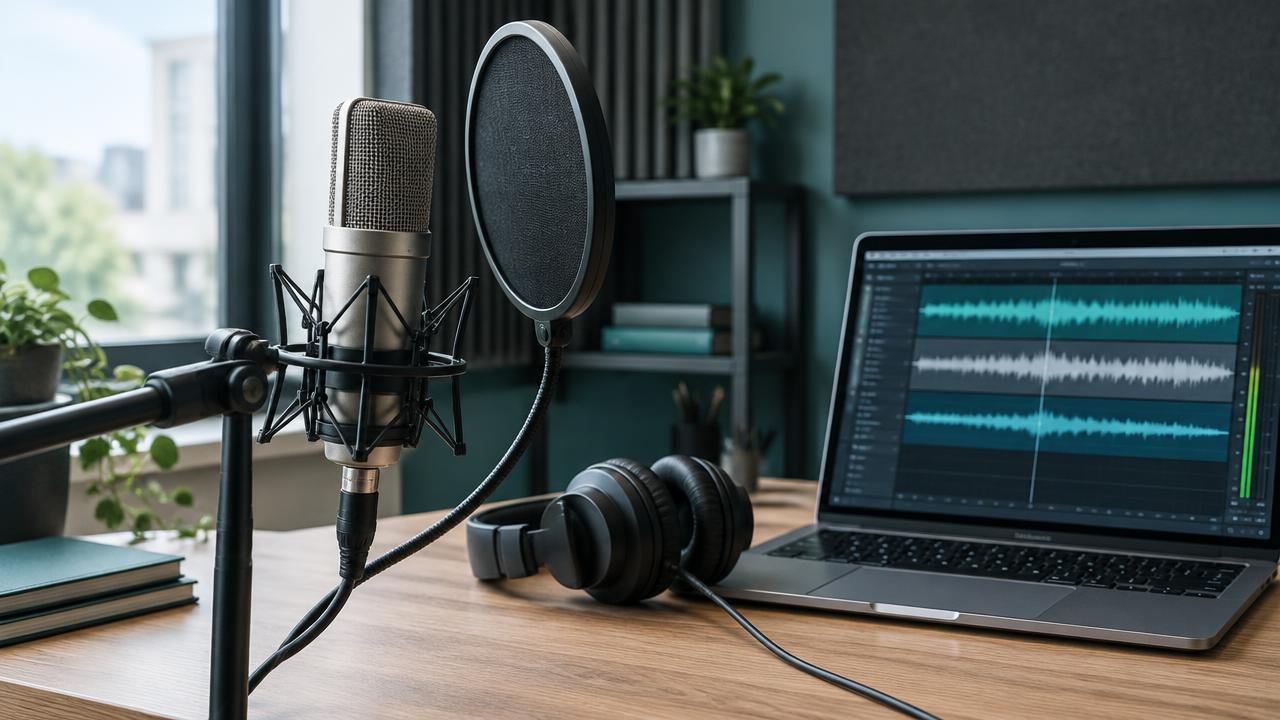
ElevenLabs text to speech turns written narration into audio. For a YouTube project, the useful question is not simply which voice sounds impressive in a preview: it is whether your entire script stays clear, consistent and easy to follow.
This guide covers a practical workflow for preparing a script, testing speech and reviewing a finished voiceover. ZeoTool is a separate AI studio, not the official ElevenLabs website. Model choices, account limits and usage terms can differ between services.
1. Prepare a script that sounds natural aloud
Write short, complete sentences and use punctuation where a listener needs a pause. Read the draft aloud once before generating it. Fix repeated phrases, abrupt topic changes and sentences that are difficult to follow without seeing the page.
Test names, numbers, abbreviations and unfamiliar words in a short sample. If a pronunciation is unclear, rewrite that phrase for speech rather than assuming that a different voice will solve it. Keep the original research and factual meaning intact.
Here is an original sample you can adapt:
Every great story starts with a question. Today, we are looking at how a simple idea becomes a finished video, one clear sentence at a time.
2. Choose a voice and model for your audience
Listen to several voices using the same sample. Compare tone, pronunciation and clarity in the language you intend to use. A voice that suits an energetic short may not suit a calm documentary.
The official ElevenLabs text-to-speech guide explains voice and model selection. Available models and settings can change; check the current interface rather than following an old screenshot. Do not assume that every model accepts the same emotion tags or settings.
3. Adjust settings by listening, not by copying numbers
Settings such as stability, similarity, style and speed influence the result. Change one setting at a time, generate the same short passage, and compare it with the earlier version.
| Setting | What to listen for |
|---|---|
| Stability | Consistency and variation across sentences |
| Similarity | How closely the output follows the chosen voice |
| Style | Whether expression feels appropriate for the script |
| Speed | Whether listeners can comfortably follow the narration |
There is no universal setting combination for every voice, language or script. The official voice settings reference is a useful starting point; the final decision should come from listening to your own sample.
4. Generate longer narration in manageable sections
Review a short passage before committing to the full script. For longer narration, work in sections with complete sentences. Listen for missing words, unnatural pauses, inconsistent volume and changes in delivery.
If a section sounds wrong, edit the passage or regenerate that section. Keep a clear version history so the correct clip reaches the video editor. Generation time and credit use depend on the service, model and script; do not estimate a fixed cost per video without checking your account.
5. Download the audio and finish the video
Use the export or download option provided by the service. Confirm that the file plays locally before importing it into your editor. Match narration to the visuals and captions, then balance any music so it does not cover the words.
Listen to the completed video from beginning to end, ideally once on headphones and once on speakers. Check the opening, section transitions and final sentence. An audio file that sounds correct alone can still feel rushed or poorly aligned after editing.
Developers can also generate audio through the official create speech API. A web editor and an API may have different limits and workflows, so compare the current documentation for the route you use.
6. Check commercial use and voice permissions
Before publishing, confirm the generation service's terms for your plan. ElevenLabs distinguishes free-plan and paid-plan commercial-use permissions. Read its current publishing guidance and pricing page, rather than relying on an old plan comparison.
Permission to generate audio does not give you permission to clone any person's voice. Check the voice cloning restrictions and use only voices you are authorized to use. AI narration alone does not guarantee YouTube monetization; your video must also meet YouTube's current requirements.
Where ZeoTool fits in a creator workflow
ZeoTool brings voice generation, scripts and visual tools into one workspace. You can compare ZeoTool's free-to-start voice offer, review the current allowances, and create an account to test your own script.
For longer narration, review blocks before merging them. For caption videos, keep narration separate from visual timing and review the export before uploading it. Model availability and account limits are shown in the app; use those current values instead of a fixed allowance copied from a guide.
Common questions
Is ElevenLabs text to speech free?
ElevenLabs offers a free plan, but limits and usage rights can change. Check the current official pricing and publishing terms. ZeoTool's free allowance is a separate offer and is not an ElevenLabs subscription.
How do I add pauses?
Start with clear punctuation and shorter sentences. Advanced pause controls depend on the selected model and interface. Test a small passage and consult that model's current documentation before adding markup.
Can I use the same settings for every voice?
No single preset is guaranteed to work well for every voice or script. Compare short samples, then listen to the full narration before publication.
Will an AI voiceover make my video successful?
No. Voice clarity is one part of a video. The idea, script, editing, accuracy and audience fit also matter; neither a speech tool nor publishing a guide guarantees views or search rankings.
Final voiceover checklist
- Script facts checked and read aloud.
- Names and numbers tested in a short sample.
- Voice and settings selected by listening.
- Every generated section reviewed.
- Downloaded audio plays correctly.
- Music and captions aligned with narration.
- Usage rights and voice permissions confirmed.
- Final video reviewed before publishing.
Sources reviewed October 29, 2026: official ElevenLabs text-to-speech documentation, voice settings reference, create speech API, publishing guidance and voice-cloning restrictions linked above. This guide is editorial advice, not an official ElevenLabs endorsement.